
Choosing a personal budgeting app that updates spending limits in real time, and does not force complicated setup, is still too hard. Many apps hide full automation, daily controls, or integration behind a subscription or restrict bank linking by geographic region. This comparison covers safe-to-spend guidance, billing, and account connections so individuals can pick the option that matches their habits and security standards.
Table of Contents
DivvyUpp
At a Glance
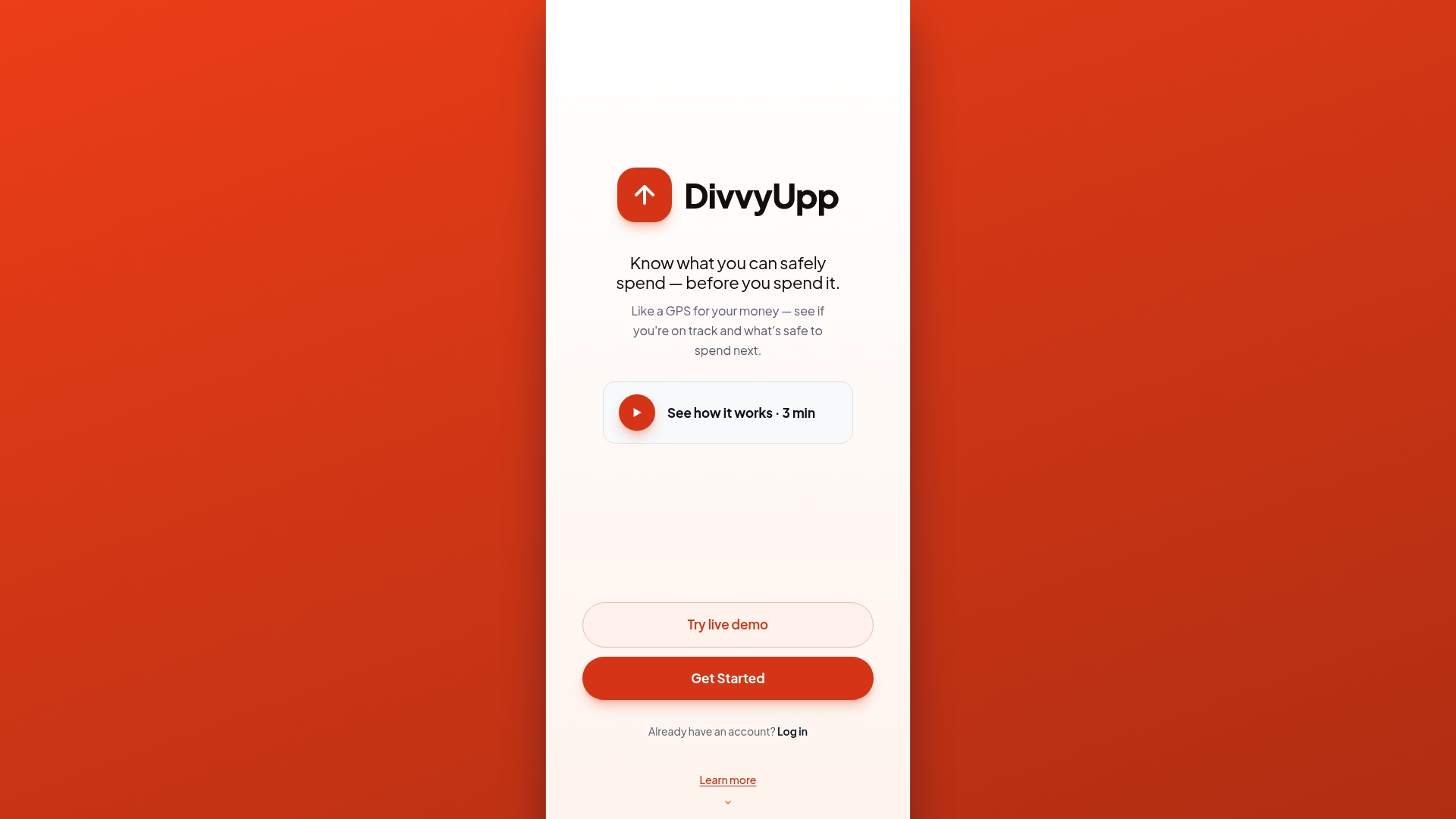
DivvyUpp gives you one number — your safe-to-spend — for today, this week, and this month, and answers the only question that matters in the moment: “Can I spend this?” It’s built for people who earn well but watch the month disappear to flexible spending. The app never moves, holds, or stores your money — it connects read-only through Plaid.
Core Features
DivvyUpp turns your income, bills, and savings goals into a single safe-to-spend allowance and shows how much you can spend today, this week, and this month, updating automatically as transactions post. Its “Can I Spend?” advisor answers before you buy — safe, risky, or yes-but-here’s-the-cost — so you decide in the moment instead of reconciling later. A Fixed vs. Flexible view separates the bills you can’t change from the spending you can, savings goals update automatically as you spend, so you can see how today’s choices affect your target — all without tagging or categorizing a single transaction, and the whole thing stays non-custodial: read-only Plaid, encrypted, no bank logins stored.
Key Differentiator
Most budgeting apps tell you what you already spent. DivvyUpp tells you what you can spend next — a live safe-to-spend number plus a yes/no “Can I Spend?” answer before you buy — without ever accessing, moving, or storing your funds. It replaces after-the-fact categorization with a simple decision in the moment.
Pros
Onboarding is quick because it’s one number, not a category-heavy budget. Automatic updates surface overspending before the statement arrives, not after. The Fixed vs. Flexible split makes lifestyle creep obvious at a glance. The non-custodial, read-only design means it's safe. And it was founder-built to fix real overspending, so it stays focused on the decision in front of you rather than long lists of past transactions.
Cons
-
Individual-focused today — no shared or couples budgeting yet.
-
US bank coverage via Plaid; not built for investing, tax, or net-worth tracking (intentionally narrow scope).
-
Newer app, currently free in an invite-only beta.
Notable Integrations
- Plaid for bank connection
Who It’s For
DivvyUpp fits people earning roughly $100K–$200K who still feel broke because flexible spending eats the month. It’s a practical guardrail for anyone who wants to control day-to-day spending while protecting savings goals — and not a fit for investors or people who need tax, retirement, or net-worth planning.
Unique Value Proposition
A single daily safe-to-spend number plus a “Can I Spend?” yes/no answer removes the need to categorize every purchase — you decide in the moment while keeping savings goals intact. I built this for myself to fix my overspending. General information, not financial advice.
Real World Use Case
You connect your bank through Plaid, set a savings target, and let DivvyUpp analyze income and bills. Each morning you see how much you may spend that day and whether a planned purchase is safe. The tool flags risky buys so you can adjust before overspending posts to your account.
Pricing
Free. DivvyUpp doesn’t charge a subscription — unlike most budgeting apps, there are no paid tiers to unlock features. You can try the full app instantly through a no-signup demo, and creating an account is free during an early-access beta.
Website: https://divvyupp.com
Weekly
At a Glance
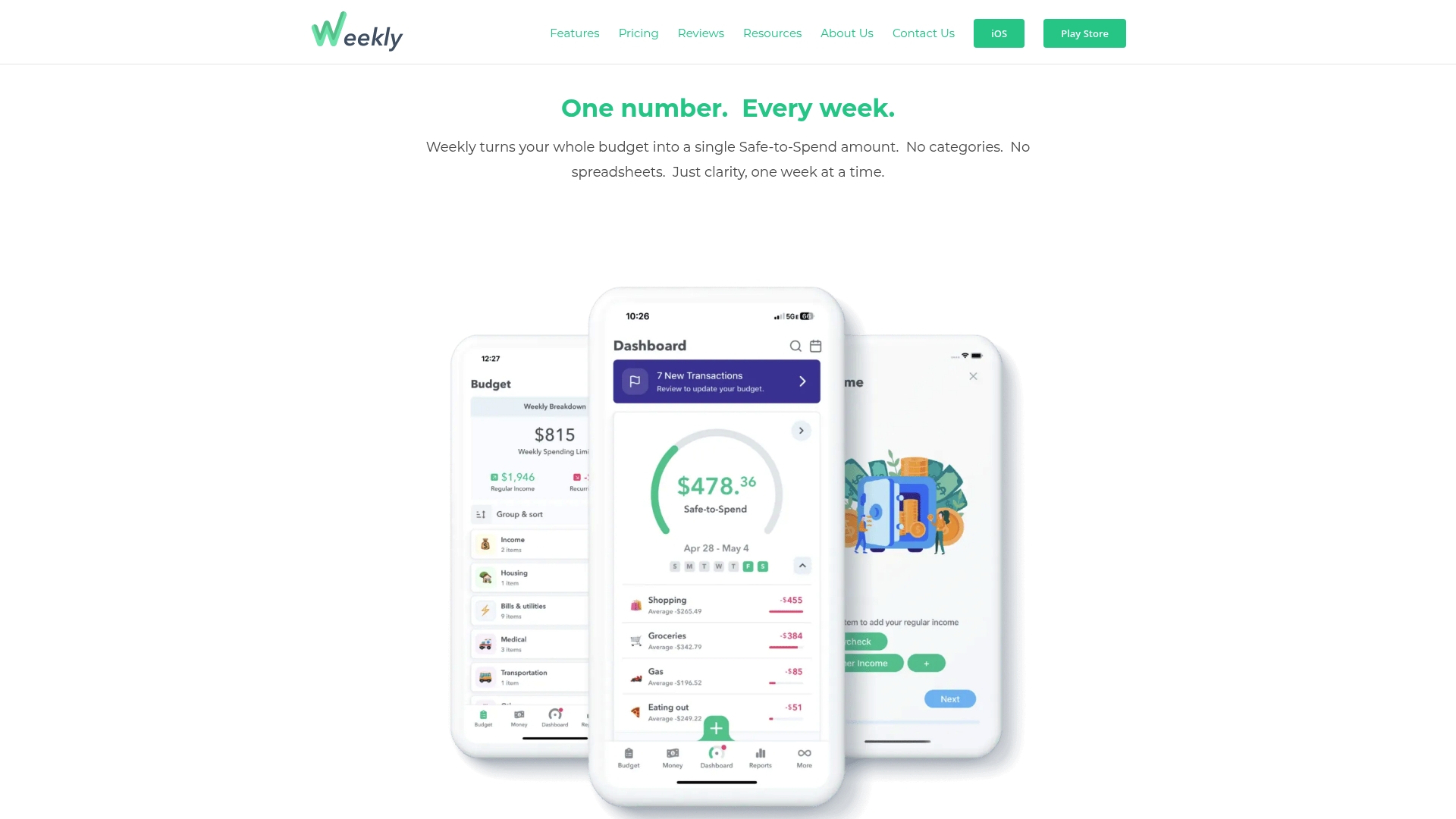
Weekly reports connections to over 10,000 banks. It converts your entire budget into a single weekly Safe-to-Spend number that updates as new transactions arrive. The app targets people who want a simple weekly view instead of categories or spreadsheets.
Core Features
Weekly lets you set a weekly budget and then shows one clear spending allowance for the current week. The app imports transactions automatically and offers a spending tracker, bill organization tools, and savings goal tracking. It also supports couples budgeting and works on iOS and Android.
Key Differentiator
Weekly removes category bloat by giving you one weekly figure to guide spending. That approach forces a single decision point when you consider a purchase. For people who lose track of money across variable paydays, the weekly cadence gives a predictable check on discretionary spending.
Pros
Weekly makes it fast to know what you can spend this week without opening multiple reports. The automatic bank links reduce manual entry and speed up reconciliation. The interface is easy to use, bills and goals stay visible, and many users report improved saving and clearer short term control after switching.
Cons
-
Limited to weekly budgeting. People who plan monthly or need daily rollups will find the view constraining.
-
The free tier restricts categories and several automation features. Full automation requires the paid plan.
-
Advanced reporting and workflow customization are gated behind the PRO subscription.
When It May Not Fit
If you build plans around monthly envelopes or paycheck cycles, Weekly may feel too narrow. Users who need detailed category splitting or multiaccount reports will miss that functionality. People who want full automation without paying will find the free option limited.
Notable Integrations
Weekly supports bank account linking via Plaid so transactions import automatically. That connectivity powers the Safe-to-Spend calculation and keeps balances current without manual uploads.
Who It’s For
This app suits individuals and couples who prefer a weekly budgeting rhythm and want automatic bank syncing. It fits people who dislike categorizing every purchase and who want a single number to guide everyday spending. It also fits users who value simple goal tracking and basic bill organization.
Real World Use Case
A user links checking and credit accounts, then reviews the Safe-to-Spend figure each Sunday. They adjust one weekly target for bills and goals, and the app shows when discretionary spending is risky. The result is fewer surprise overdrafts and clearer weekly progress toward savings.
Pricing
Free to set up and manually track. Automatic syncing and advanced features require the PRO subscription. PRO is available at $7.99/month or $47.99/year.
General information, not financial advice.
Website: https://weeklybudgeting.com
PocketGuard
At a Glance
PocketGuard reports it connects to over 18,000 financial institutions, which it uses to pull transactions automatically. The app shows your spending pace and available money so you can act before overspending. General information, not financial advice.
Core Features
PocketGuard combines budgeting, goal tracking, and expense monitoring into a single personal finance app. It includes an expense tracker with rules for auto organization, net worth tracking, and financial calculators for loans and debt payoff. The platform also offers courses and a resource library to build basic financial skills.
Key Differentiator
The standout claim is that connection count and live syncing power its real time expense analysis and goal tracking. That connection claim supports automatic transaction imports, rules based organization, and pace monitoring across accounts. Users who want automatic activity feed updates will notice the emphasis on synced accounts.
Pros
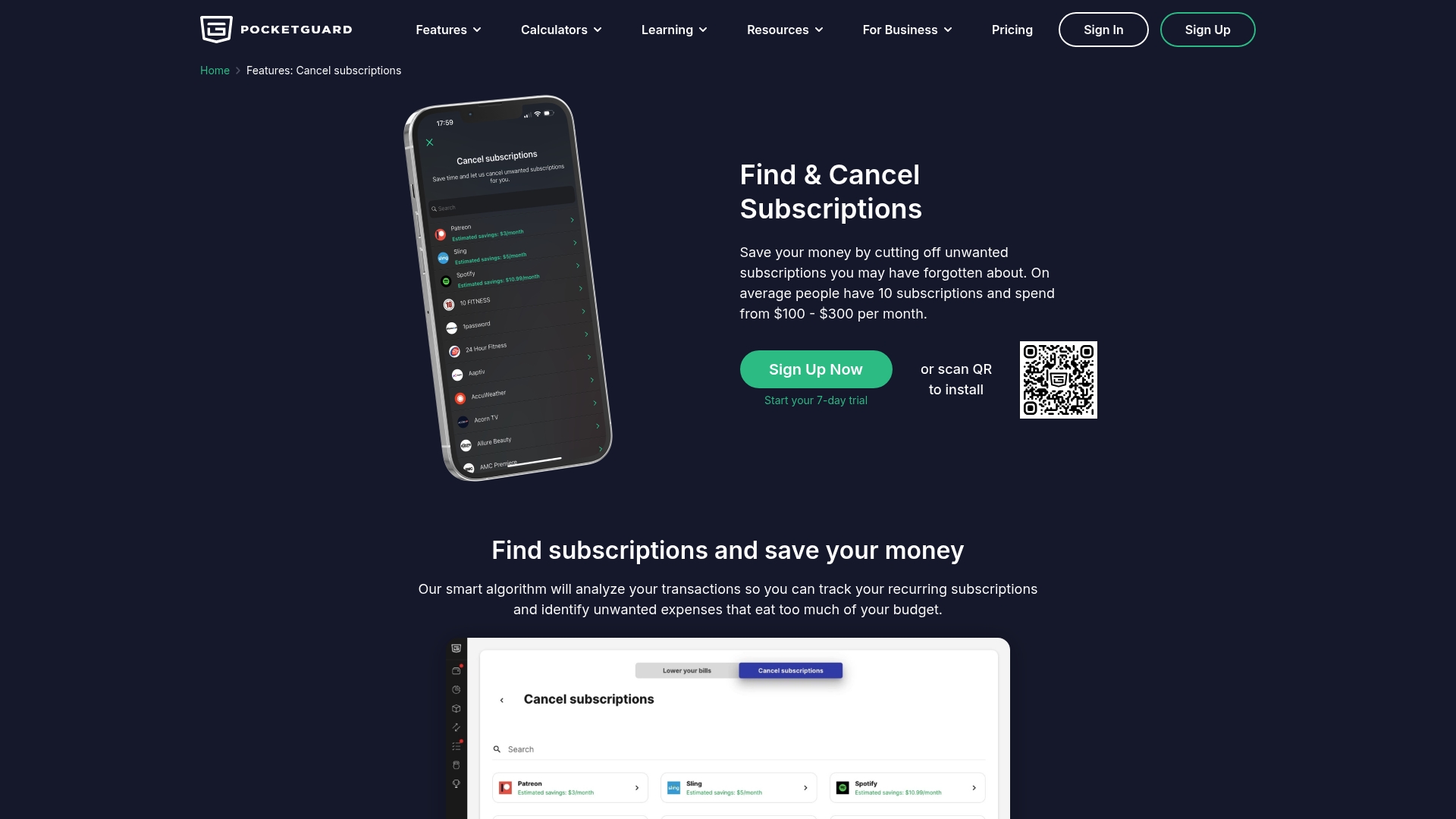
PocketGuard earns praise for clear spending analysis and quick visibility into where money goes, which helps correct recurring overspend. Its budgeting interface offers more than 70 categories, and users can set SMART goals and track debt payoff plans inside the same app. The platform also helps find unwanted subscriptions and gives tools for bill negotiation and management.
Cons
-
Some users report occasional syncing delays with bank accounts, which can affect real time balances.
-
Premium features require a paid subscription at the published rates, adding a recurring expense for ongoing access.
-
Advanced tools and initial setup can take time to learn, and some people must adjust rules for accurate categorization.
When It May Not Fit
If you need instant transaction updates for intraday decisions, the reported syncing delays may frustrate you. If you want every advanced feature without a subscription, the free tier may feel limited. If you prefer minimal setup and zero configuration, this app requires some rules and category tuning.
Who It’s For
Individuals and families who want an automated, full featured personal finance and budgeting app will get the most value. People aiming to pay down debt or track net worth benefit from built in calculators and debt planners. Anyone who links multiple accounts and wants automatic categorization will appreciate the connection focus.
Real World Use Case
A person links checking, savings, and a credit card to import transactions automatically. They set a savings goal and use pace monitoring to see how their current spending affects that goal. Alerts for upcoming bills and identified subscriptions help them trim recurring costs and stay within monthly targets.
Pricing
Premium access costs $6.25/month or $74.99/year, while basic features remain available on a free tier. The subscription unlocks enhanced tools for debt payoff, advanced categorization, and additional educational content. Compare the free and premium lists before signing up to match your needs.
Website: https://pocketguard.com
Comparison of alternatives
DivvyUpp stands out for delivering dynamic daily safe-to-spend guidance without retaining access to users’ funds, addressing individual financial clarity needs. However, exploring alternatives such as Weekly and PocketGuard uncovers valuable tools for different planning needs and approaches in personal finance management.
Daily vs. Weekly Spending Management
One of the most significant contrasts in this comparison is the management style provided by DivvyUpp and Weekly. DivvyUpp automates daily safe-to-spend figures updated in real-time, projecting immediate insights. Weekly, however, summarizes this decision-making into a single weekly allowance, simplifying users’ discretionary choices over an extended time frame. The weekly approach fits those seeking minimal interaction coupled with routine budget resets but lacks instant granularity.
Expanded Budgeting Tools for Oversight
PocketGuard differentiates itself through its extensive feature offerings, including bill negotiation and subscription management tools, alongside the SMART goal functionality and debt-payment resources. These capabilities serve users with multifaceted financial concerns, such as long-term debt reduction and underutilized financial subscriptions. This advantage positions PocketGuard as the better choice for complex financial planning needs versus DivvyUpp’s singular spending guidance.
Best fit
-
For personalized daily budget adjustments, DivvyUpp suits individuals managing day-to-day expenses who require precise boundaries tailored to posted transactions.
-
For weekly overview simplicity, Weekly caters to users preferring routine yet consolidated budget resets adaptable to both personal and couple-oriented routines.
-
For debt reduction planning, PocketGuard’s calculators and resource tools help individuals requiring in-depth financial recalibration in achieving long-term goals.
Our pick
DivvyUpp efficiently caters to individuals seeking real-time, spending management, contrasting heavily against competitors focused either on aggregated timeframes or broad-reaching financial tools. However, users requiring weekly simplifications or extensive category-driven budgeting will find Weekly’s structure or PocketGuard’s suite more aligned with those needs.
Exploring personal budgeting apps? Compare these platforms to find the one that best aligns with your needs.
| Product Name | Core Feature | Key Differentiator | Pricing | Notable Limitation |
|---|---|---|---|---|
| DivvyUpp | Generates daily, weekly, and monthly safe-to-spend numbers | Non-custodial; live safe-to-spend + “Can I Spend?” answer before you buy | Free (beta) | Individual-only today (no couples yet); not for investing or net-worth |
| Weekly | Weekly safe-to-spend numbers with couples budgeting | A single weekly budget figure | $7.99/month, $47.99/year | Free tier has restricted features |
| PocketGuard | Combines budgeting with net worth and expense tracking | Automatic transaction imports and comprehensive financial tools | $6.25/month, $74.99/year | Setup requires learning and configuration |
How To Control Overspending With Simple, Real-Time Guidance
Many people earning $100K–$200K still feel broke because flexible spending quickly drains their income despite good earnings. DivvyUpp tackles this problem by showing you a clear daily, weekly, and monthly safe-to-spend number that updates as transactions post. Unlike other budgeting tools, DivvyUpp does not ask you to categorize every purchase or move your money—it simply tells you if spending is safe, risky, or possible with a cost.
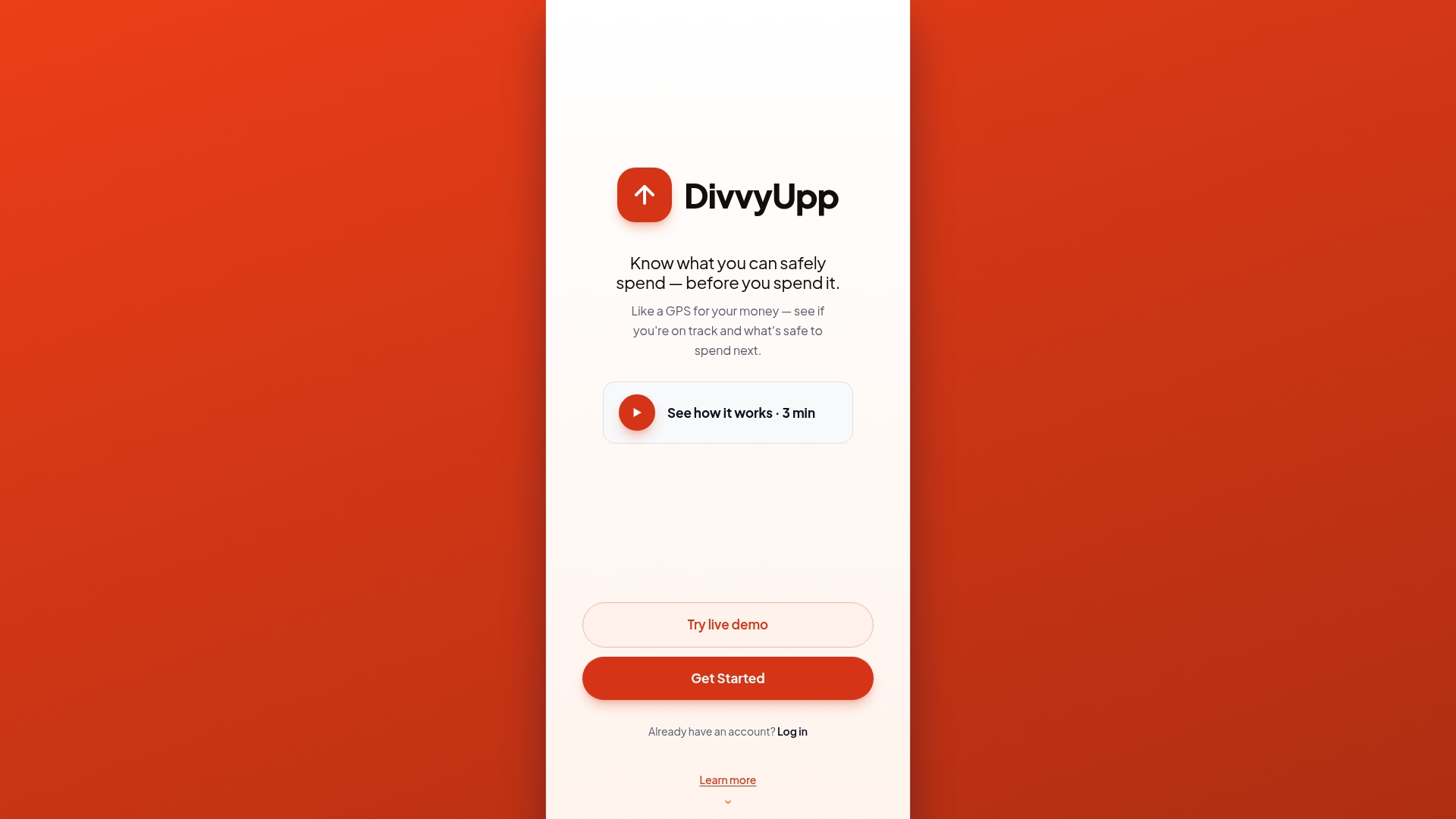
If you want to manage your flexible spending without complicated plans or logging multiple categories, try DivvyUpp at divvyupp.com. See your personalized spending limits instantly, so you can decide purchases today and protect your savings goals from lifestyle creep.
FAQ
How does DivvyUpp help manage daily spending?
DivvyUpp calculates a daily “safe-to-spend” number that updates automatically. This feature allows you to know how much you can spend today, this week, and this month based on your income, bills, and savings goals. Users appreciate this real-time clarity, enabling informed decisions when considering purchases.
What is the difference between Weekly and DivvyUpp?
Weekly excels in providing a single weekly budget instead of focusing on daily spending amounts. While Weekly helps users manage their finances with a weekly spending allowance, DivvyUpp offers a more granular daily safe-to-spend figure, which is suitable for individuals looking for immediate feedback on daily expenses.
Can I track savings goals with DivvyUpp?
Yes, DivvyUpp allows users to set and visually track savings goals as you spend. The app provides feedback on your spending patterns and how they affect your goals, helping you stay on target without needing to categorize every transaction. Each person can enjoy a personalized experience in managing their finances.
What unique feature does PocketGuard offer compared to DivvyUpp?
PocketGuard stands out with its ability to connect to over 18,000 financial institutions for automatic transaction imports. This lets users get real-time insights into their spending pace across multiple accounts. In contrast, DivvyUpp focuses on providing a singular daily spending limit without moving or storing funds.
Does DivvyUpp support joint budgeting?
DivvyUpp is currently individual-focused — each person manages their own spending and savings — which makes it a strong fit if you want a personal guardrail rather than a shared household budget.